


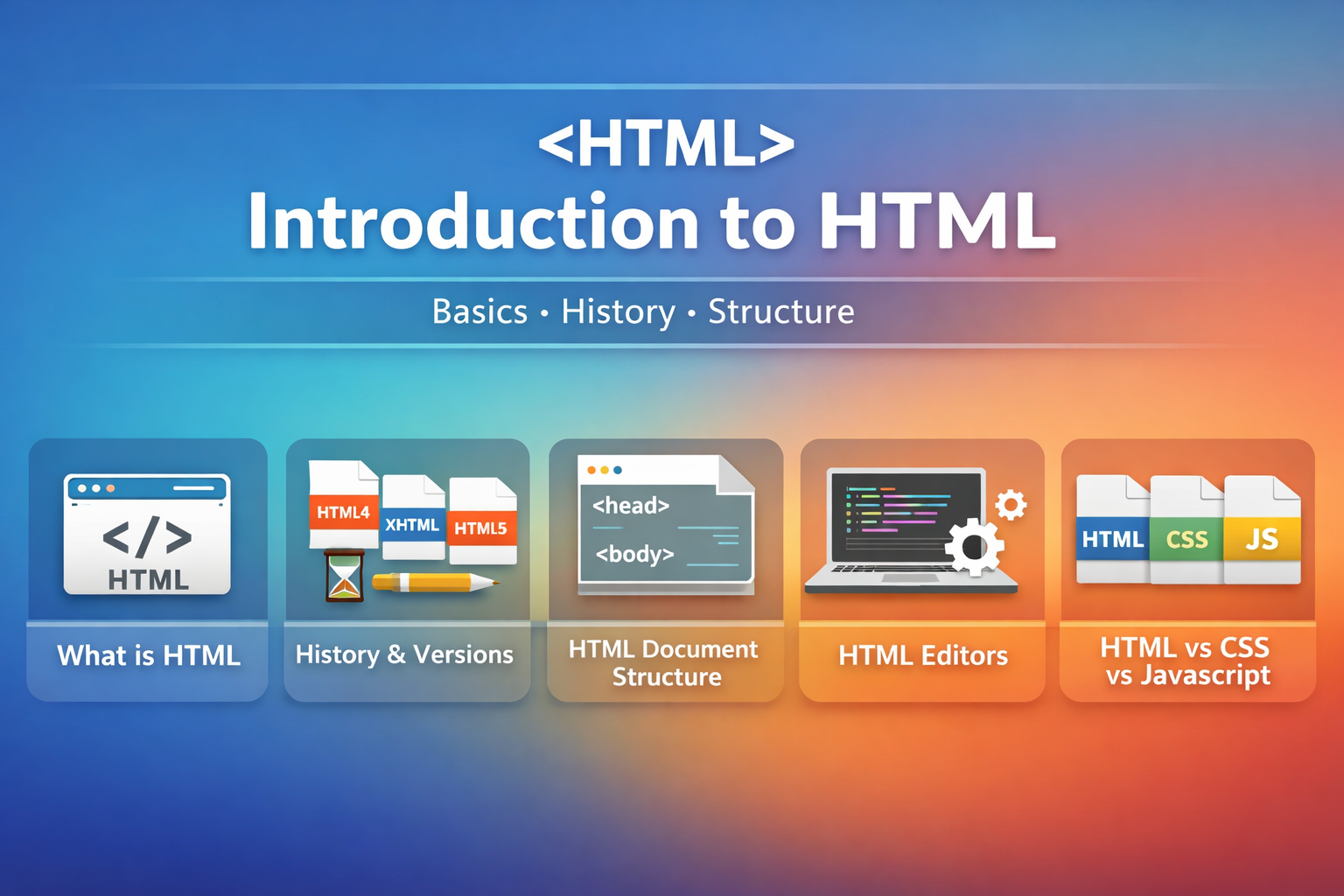
What is HTML — Detailed Definition (Clear & Structured)
HTML (HyperText Markup Language) is the standard declarative markup language used to create, describe, and organize content on the World Wide Web. It provides a structured system of elements (called tags) and attributes that label different parts of a web document—such as headings, paragraphs, links, images, forms, and sections—so that web browsers and other user agents can correctly interpret and display the information.
HTML focuses on defining the meaning and structure of content, not its visual appearance or behavior. In other words, HTML specifies what content is (for example, a heading, paragraph, or navigation area) and how it is logically arranged within a page. Through hierarchical nesting of elements, HTML creates a document tree that browsers convert into the Document Object Model (DOM), which then becomes the foundation for styling with CSS and interactivity with JavaScript.
As the core language of the web, HTML enables hyperlinking between documents (HyperText), platform-independent publishing, multimedia embedding, accessibility semantics, and search-engine-readable structure. Because of these capabilities, HTML forms the fundamental base upon which all websites and web applications are built.
History and Versions of HTML (HTML4, XHTML, HTML5) — Detailed Explanation
The development of HTML reflects the evolution of the World Wide Web from simple text pages into modern interactive and multimedia-rich web applications. HTML was first created in 1991 by Tim Berners-Lee to allow scientists to share and link documents across computers. Early versions supported only basic elements such as headings, paragraphs, and hyperlinks.
As the web grew, new needs emerged—layout control, multimedia integration, device compatibility, and clearer document structure—leading to successive HTML versions.
HTML4 (1999)
HTML4 was the first widely adopted mature web standard. It introduced forms, scripting support, tables for layout, and presentational tags such as <font> and <center>. However, HTML4 mixed structure and presentation together, which made pages difficult to maintain and reduced semantic clarity.
XHTML (2000)
To improve consistency and structure, XHTML reformulated HTML using XML rules. It required strict syntax, including lowercase tags, mandatory closing elements, proper nesting, and quoted attributes. XHTML aimed to produce cleaner and machine-readable documents but proved too rigid for real-world web development and was difficult to maintain across browsers.
HTML5 (2014–Present)
HTML5 unified the strengths of HTML and XHTML into a flexible modern standard. It emphasizes semantic structure, native multimedia support, device independence, and web-application capabilities. HTML5 introduced semantic elements such as <header>, <nav>, <article>, <section>, and <footer>, along with built-in audio/video support, graphics through <canvas> and SVG, advanced form controls, and numerous browser APIs. Maintained as a living standard today, HTML5 represents the current and future direction of web markup, enabling responsive, accessible, and application-level web experiences across devices.
HTML Document Structure — Detailed Explanation
An HTML document follows a standardized hierarchical structure that separates metadata from visible content so browsers can correctly interpret and render the page. Every HTML page begins with a document type declaration (<!DOCTYPE html>) that signals HTML5 standards mode, followed by the root <html> element containing the entire document.
Inside the root element, the document is divided into two main sections:
- Head section (
<head>) — contains non-visible metadata and configuration information such as the page title, character encoding, viewport settings, linked stylesheets, scripts, and SEO descriptors. This information helps browsers and search engines understand the document before rendering it. - Body section (
<body>) — contains the visible and interactive content shown to users, including text, images, links, forms, media, and structural sections.
Through nested elements inside the body, HTML establishes a logical content hierarchy that browsers parse into the Document Object Model (DOM). This DOM structure allows CSS to style the page and JavaScript to manipulate it dynamically. The standardized HTML document structure ensures consistent rendering across browsers, accessibility support, and maintainable web design.
HTML Editors — Detailed Explanation
HTML editors are software tools used to create and modify HTML documents through text-based or visual interfaces. At the simplest level, an HTML editor is any plain-text editor that allows developers to write markup manually. However, modern web development typically relies on advanced code editors and integrated development environments (IDEs) that improve efficiency and accuracy.
Basic editors such as Notepad or TextEdit provide only raw text entry without syntax assistance. Modern code editors—including Visual Studio Code, Sublime Text, and Atom—offer features such as syntax highlighting, automatic tag completion, Emmet abbreviation expansion, error detection, live preview, and extensions designed specifically for web development. Full IDEs like WebStorm extend these capabilities further by adding project management, debugging tools, version-control integration, and framework support.
Therefore, HTML editors are not merely writing tools; they function as complete development environments that help developers produce syntactically correct, semantically structured, and maintainable web documents efficiently. They bridge the gap between human-readable markup and browser-interpretable code.
HTML vs CSS vs JavaScript — Detailed Explanation
HTML, CSS, and JavaScript together form the three fundamental layers of modern web technology, each responsible for a different aspect of a web page.
- HTML defines the structural and semantic foundation of the document, specifying the organization and meaning of content such as headings, paragraphs, sections, and links.
- CSS (Cascading Style Sheets) controls the visual presentation of that structure, including layout, colors, typography, spacing, and responsive design across devices.
- JavaScript provides behavior and interactivity, enabling dynamic updates, user-event handling, data processing, animations, and communication with servers.
This separation of concerns allows web systems to remain modular and scalable. In the browser rendering process, HTML is parsed first to build the DOM structure. CSS is then applied to determine visual layout and style. Finally, JavaScript interacts with the DOM to create dynamic behavior. Together, these technologies form the complete client-side web stack, with HTML serving as the essential structural base on which presentation and interactivity operate.
HTML क्या है? पूरी जानकारी आसान भाषा में (Detailed Guide)
आज के डिजिटल युग में जब भी हम इंटरनेट पर कोई वेबसाइट खोलते हैं, तो उसके पीछे एक भाषा काम कर रही होती है जिसे HTML कहते हैं। अगर आप वेब डिजाइनिंग या डेवलपमेंट की दुनिया में कदम रखना चाहते हैं, तो HTML को समझना आपकी पहली सीढ़ी है।
इस ब्लॉग में हम HTML की परिभाषा, इसके इतिहास, संरचना और अन्य वेब तकनीकों के साथ इसके संबंधों को विस्तार से समझेंगे।
1. HTML क्या है? (What is HTML?)
HTML का फुल फॉर्म HyperText Markup Language है। यह वर्ल्ड वाइड वेब (WWW) पर कंटेंट बनाने और उसे व्यवस्थित करने की मानक भाषा है।
- HyperText: इसका मतलब है कि इसमें ‘लिंक्स’ (Links) होते हैं जो एक वेब पेज को दूसरे से जोड़ते हैं।
- Markup Language: यह टैग्स (Tags) का उपयोग करके टेक्स्ट को ‘चिह्नित’ करती है, जिससे ब्राउज़र को पता चलता है कि कौन सा हिस्सा हेडिंग है, कौन सा पैराग्राफ और कहाँ इमेज लगानी है।
मुख्य बात: HTML का काम केवल कंटेंट की संरचना (Structure) और अर्थ (Meaning) बताना है, न कि उसका दिखावट या डिज़ाइन।
2. HTML का इतिहास और इसके वर्जन्स
HTML का सफर 1991 में टिम बर्नर्स-ली द्वारा शुरू किया गया था। तब से अब तक इसमें कई बड़े बदलाव आए हैं:
| वर्जन | वर्ष | मुख्य विशेषता |
| HTML 4 | 1999 | इसमें पहली बार फॉर्म्स और स्क्रिप्टिंग को मजबूती से शामिल किया गया। |
| XHTML | 2000 | यह HTML का सख्त रूप था जो XML के नियमों पर आधारित था। |
| HTML5 | 2014 | यह आज का आधुनिक मानक है। इसमें ऑडियो, वीडियो और बेहतर सिमेंटिक टैग्स (जैसे <header>, <footer>) जोड़े गए। |
3. HTML डॉक्यूमेंट की संरचना (Document Structure)
एक HTML पेज एक पेड़ (Tree) की तरह व्यवस्थित होता है। ब्राउज़र इसे DOM (Document Object Model) के रूप में पढ़ता है। इसकी मुख्य बनावट कुछ ऐसी होती है:
<!DOCTYPE html>: यह बताता है कि हम HTML5 का उपयोग कर रहे हैं।<html>: यह पूरे डॉक्यूमेंट का मुख्य कंटेनर है।<head>(Head Section): इसमें पेज की जानकारी (Metadata) होती है जो ब्राउज़र में नहीं दिखती, जैसे—Title, SEO कीवर्ड्स, और CSS लिंक्स।<body>(Body Section): इसमें वह सब कुछ होता है जो यूजर को स्क्रीन पर दिखता है—जैसे टेक्स्ट, फोटो, वीडियो और बटन।
4. HTML एडिटर्स: कोड कहाँ लिखें?
HTML कोड लिखने के लिए आपको विशेष सॉफ्टवेयर की जरूरत होती है, जिन्हें HTML Editors कहा जाता है:
- बेसिक एडिटर्स: Notepad (Windows) या TextEdit (Mac)।
- प्रोफेशनल कोड एडिटर्स: Visual Studio Code (VS Code), Sublime Text, और Atom। इनमें ऑटो-कंप्लीशन और एरर चेकिंग जैसे फीचर्स मिलते हैं।
- IDEs: WebStorm जैसे टूल्स जो बड़े प्रोजेक्ट्स को मैनेज करने में मदद करते हैं।
5. HTML, CSS और JavaScript के बीच अंतर
वेबसाइट बनाने के लिए ये तीनों मिलकर एक टीम की तरह काम करते हैं। इसे आप एक इमारत के उदाहरण से समझ सकते हैं:
- HTML (ढांचा): जैसे ईंटों और सीमेंट से बना घर का स्ट्रक्चर। यह बताता है कि दीवार कहाँ होगी और दरवाजा कहाँ।
- CSS (सजावट): जैसे घर का पेंट, फर्नीचर और इंटीरियर डिज़ाइन। यह वेबसाइट को सुंदर बनाता है।
- JavaScript (कार्यक्षमता): जैसे घर में बिजली के स्विच और लिफ्ट। यह वेबसाइट को ‘इंटरेक्टिव’ बनाता है (जैसे बटन क्लिक करने पर क्या होगा)।
निष्कर्ष (Conclusion)
HTML इंटरनेट की नींव है। बिना इसके वेब ब्राउज़र यह नहीं समझ पाएंगे कि जानकारी को कैसे दिखाना है। चाहे आप एक छोटा सा ब्लॉग शुरू करना चाहते हों या एक बड़ी ई-कॉमर्स साइट, HTML का ज्ञान होना अनिवार्य है।